 Kamal Noori
Paid ads for ecommerce · proof, not promises
See which ad dollar actually makes money.
Most brands spending on ads can't tell you that. I can. Every week I send one teardown from the live ecommerce accounts I run, the kind agencies keep behind a login. Read it in five minutes, know what to change. Free.
What lands in your inbox every week
Signal, not noise.
One teardown, setup, or framework a week. The kind that lives behind a paywall or a sales call everywhere else.
Why it works and exactly how to run it on your own account. No upsell waiting at the end.
Scaling ecommerce with paid ads. Meta, Google, TikTok, Amazon. Nothing off-topic, ever.
No fluff, no pitch. If it won't help you scale, it doesn't go out.
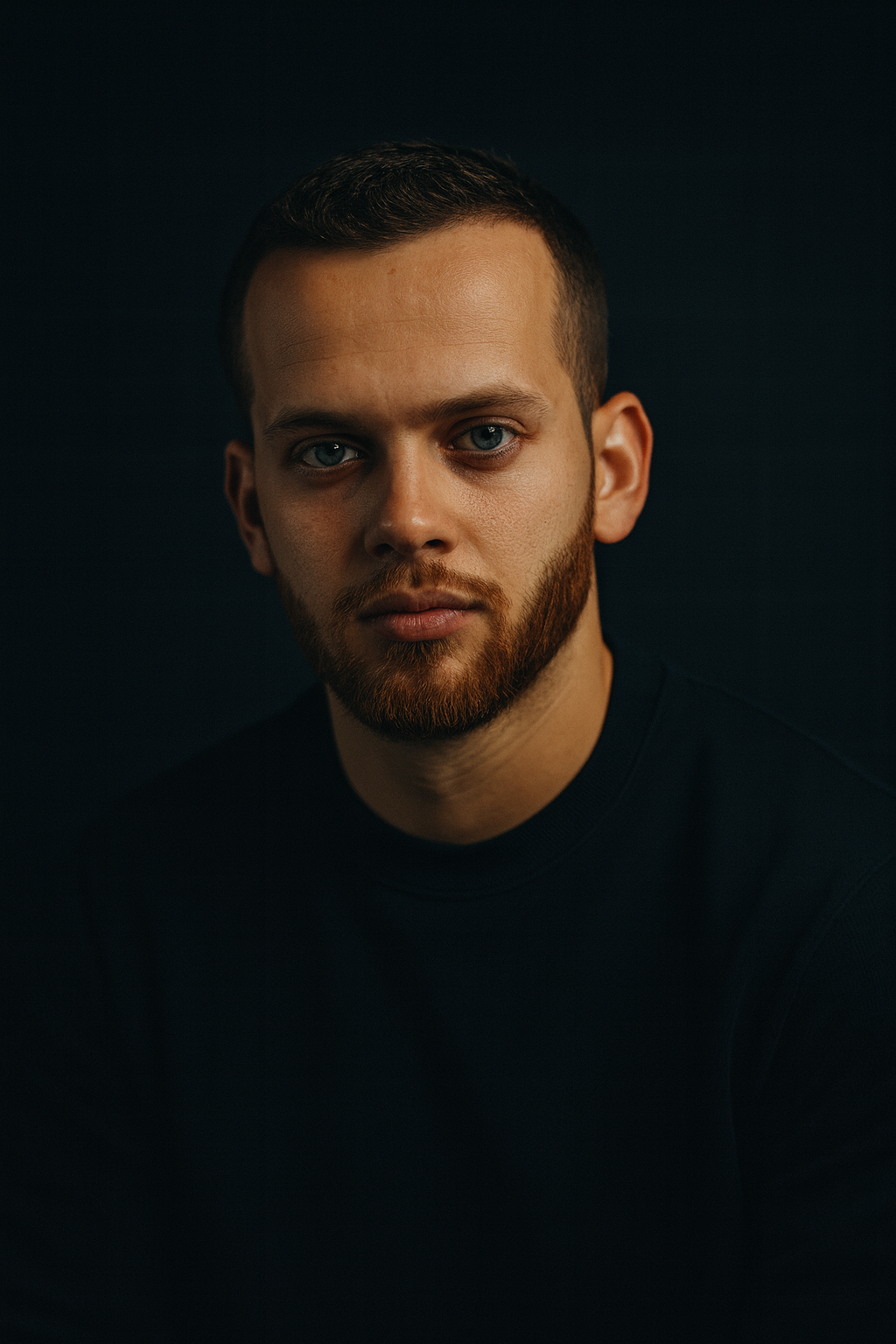 Kamal Noori · operator
 Who I am
Hope is not a strategy.
$3M+ in ad spend managed. $50M+ in revenue generated.
At 19 I launched a store, sure a great product would sell itself. It didn't. So I went to learn where you can't fake it: live accounts, real money on the line. Amazon PPC first, scaling FBA brands in the US. Then years on eight-figure ecommerce accounts across Google, Meta, TikTok and Criteo with the Webgas team in Naples, where guessing gets punished fast.
I'm the one with hands in the account, not the one reading you a dashboard. That is the whole difference.
The patterns that move money repeat. I write down the ones that work and send you one every week, free.
The money machine
Where your money actually goes.
Paid advertising is one machine with four stages. Profit or loss is decided at the joints between them, not inside the boxes. Scroll it, and watch where efficiency gets won and lost.
Every dollar has to come back with friends. Discipline starts here, not at the end.
Attention you paid for. Cheap clicks feel great and prove nothing on their own.
Where the offer and the page earn their keep. Most accounts leak the hardest right here.
Not revenue. What is left after product, fees and the ad bill. The only number that feeds you.
Every free tool below measures one of these joints. That is the whole game. Find the weak joint, fix that one thing, then pour fuel on what already works.
The instruments
Run your numbers like an operator.
Calculators and diagnostics I actually use on live accounts. No email gate, no signup. Enter your numbers, get the answer.
Revenue goal in, required ad budget out. Built on your AOV, CVR and CPC, not industry averages.
Open tool → DIAGNOSE12 questions that find the weakest link in your ads system: tracking, creative, offer or economics.
Open tool → PROFITThe ROAS your margins actually require. Most brands celebrate a number that loses money.
Open tool →The receipts
I don't teach theory. I've spent the money.
Three ecommerce accounts, three different problems, one operating system. Here is what it produced. The same thinking goes into every tool and every email I send.
Skincare · Ecommerce
+1,400%
transactions
6.7x ROAS · €12.90 cost per purchase · +276% conversion rate
Education · Lead Gen
-79.5%
cost per lead
7x ROAS · 17,362 leads · +350% new students
Lighting · Ecommerce
+600%
turnover
4.3x ROAS · +537% transactions · +10% AOV
Results from live accounts I've run with the Webgas team in Naples. Real money, real numbers.
A taste of what you'll get
Paid-ads resources, free.



Free, every week
Get the playbook agencies charge for.
One paid-ads teardown a week, with the full context so you can run it yourself. Straight from the live ecommerce accounts I manage. Read it in five minutes, know what to change. Free, and you can leave anytime.